Traceability
Answer where a batch came from and where it went using transaction-backed genealogy.
Before You Start
Section titled “Before You Start”- Item uses lot tracking where required.
- You have a batch/lot identifier to investigate.
- New production links each output to the material lots consumed in that production event, including partial batches on one work order. Imported opening balances have no original lot genealogy; keep your source archive for that history.
-
Navigate to Reports > Traceability.
-
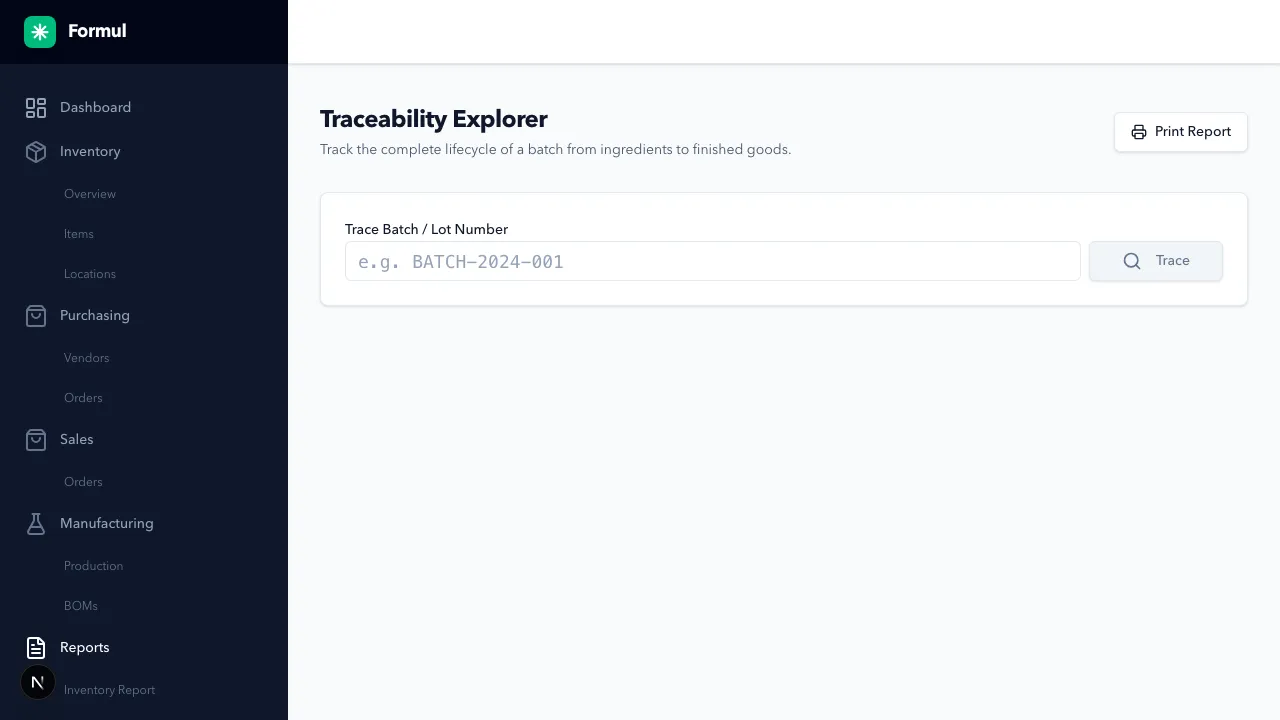
Search by batch or lot ID.
-
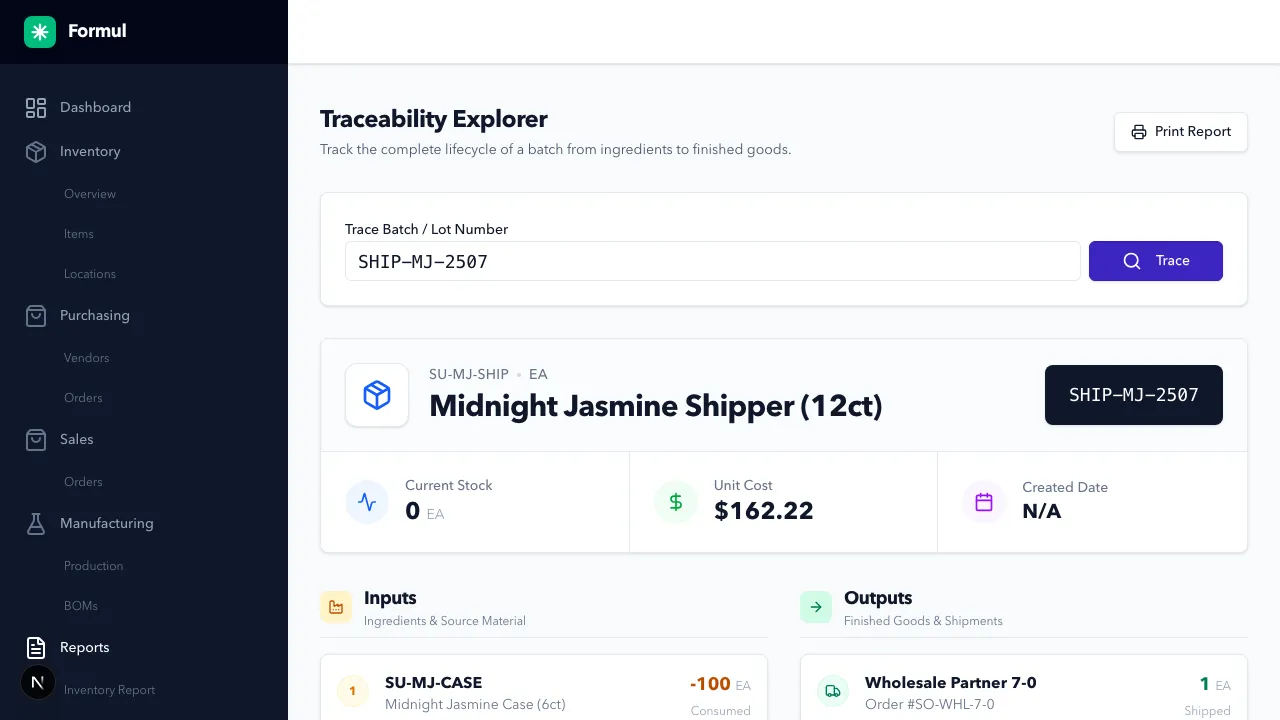
Inspect Inputs (upstream source lots/materials).
-
Inspect Outputs (downstream production or shipment destinations).
-
Follow linked batches iteratively until you reach source receipt or customer shipment endpoints.
Expected Result in Formul
Section titled “Expected Result in Formul”- You can trace a lot across receiving, production transformation, and fulfillment.
- You can identify impacted outputs/customers in a recall scenario.
- Current Stock shows the physical batch quantity. Reservations affect available stock elsewhere; reserving a batch does not remove physical stock from this card.
Why Traceability Matters
Section titled “Why Traceability Matters”- It converts a recall from a broad guess into a targeted list of affected batches and customers.
- It protects revenue by avoiding unnecessary full-lot destruction or blanket customer notifications.
- It improves root-cause analysis when quality issues appear in finished goods.
If Something Looks Wrong
Section titled “If Something Looks Wrong”-
Confirm item is lot-tracked where traceability is expected.
-
Confirm batch IDs were entered during receiving/production.
-
Confirm filters/search terms exactly match stored batch identifiers.
-
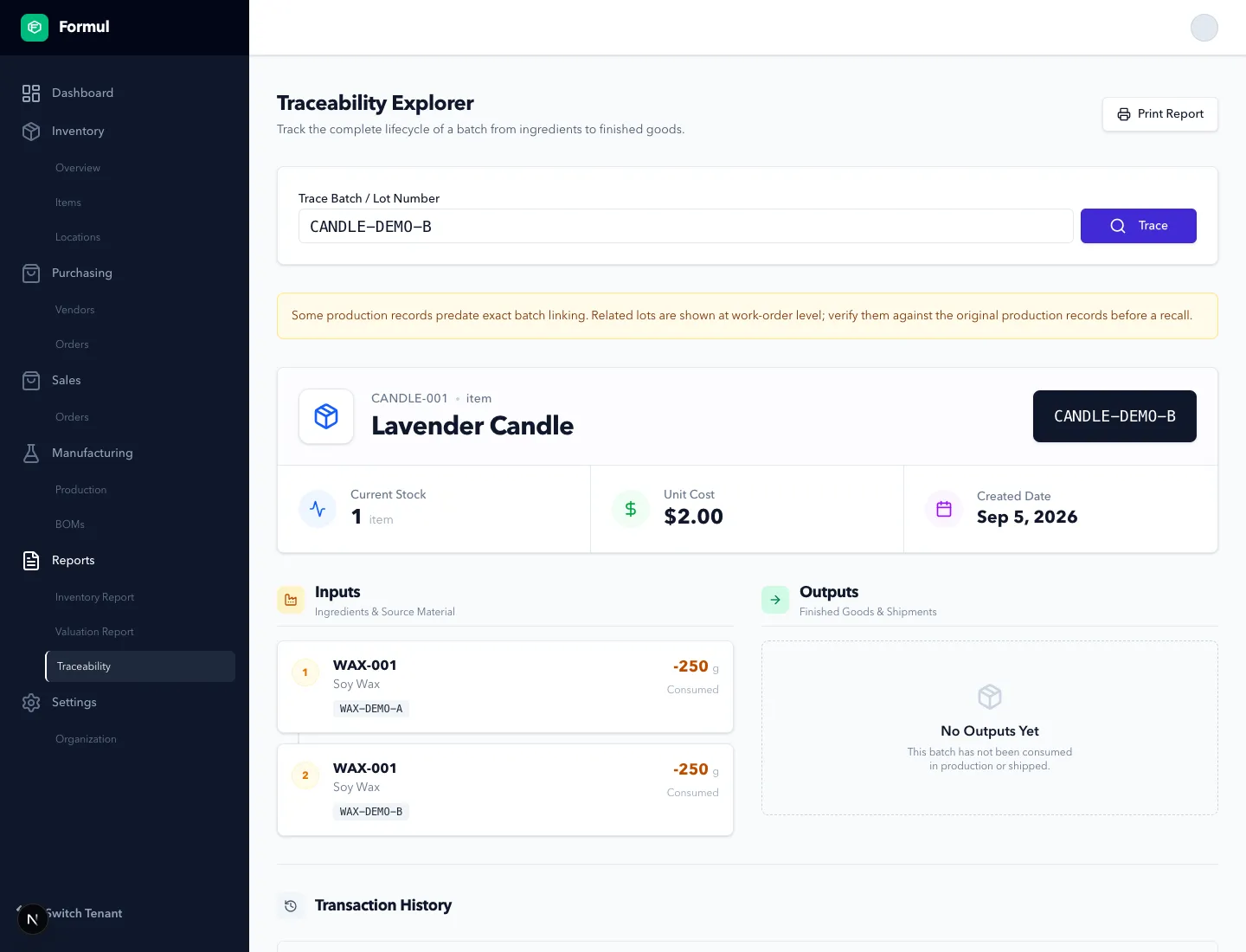
If Formul warns that production records predate exact batch linking, the related lots are a broader work-order match. They are not proof that every listed material lot went into this particular output. Check the original production records before narrowing a recall. Older partial-batch links cannot be reconstructed automatically.
Next Step
Section titled “Next Step”Return to execution workflows in Buy, Make, or Sell based on findings.